
Drive Health Checks
Full S.M.A.R.T. analysis and surface scan — we tell you exactly how much life your drive has left and whether it needs immediate replacement.
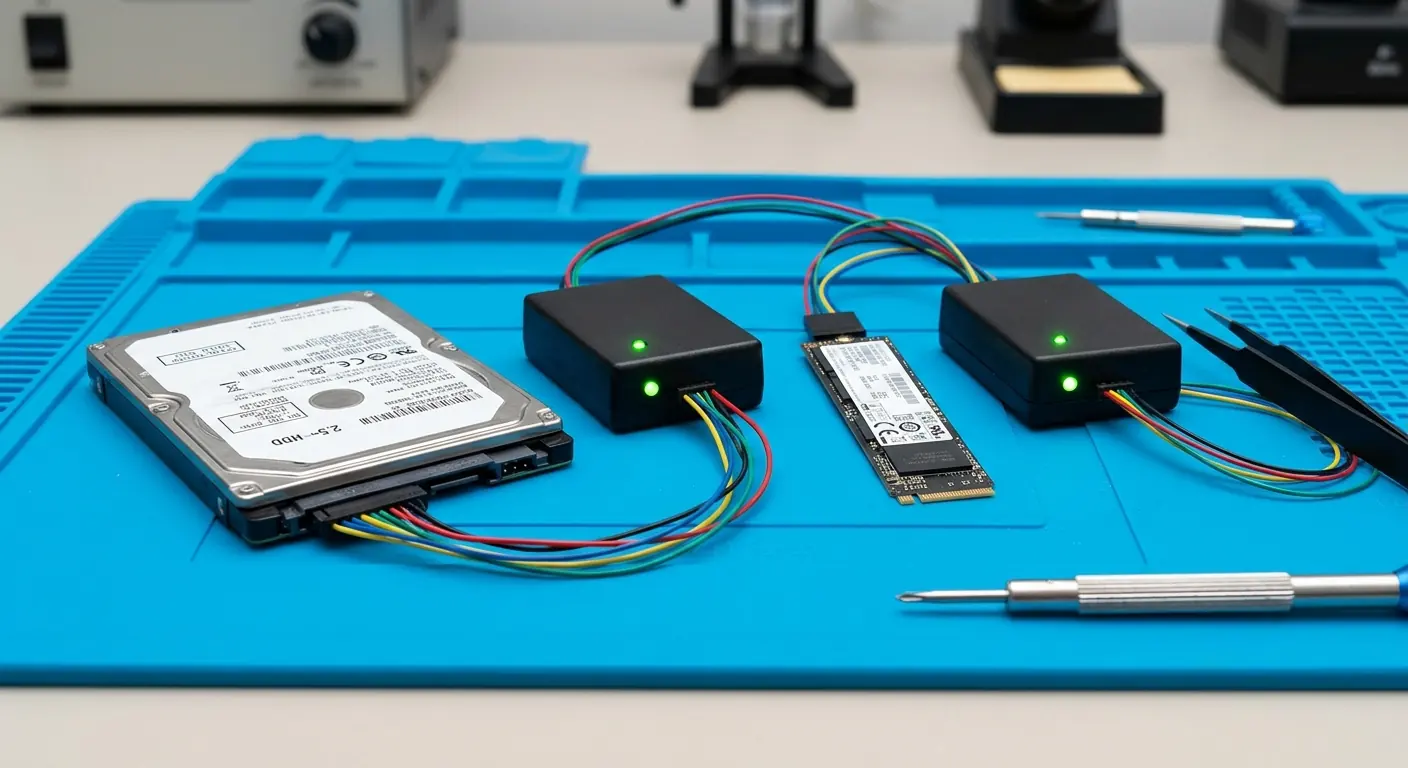
S.M.A.R.T. health checks, clone verification, and bad sector detection — know exactly what condition your drive is in before a small problem becomes complete data loss.
We run a full suite of diagnostics on every drive — surface scans, S.M.A.R.T. analysis, and post-migration verification — so you leave with certainty, not guesswork.
Full S.M.A.R.T. analysis and surface scan — we tell you exactly how much life your drive has left and whether it needs immediate replacement.
After every migration we boot from the new drive and verify file integrity — you leave with a confirmed working system, not just a hope it copied correctly.
Sector-by-sector analysis to map failing areas and determine whether data recovery or immediate drive replacement is the right next step.
Drives rarely fail without warning. Any of these is a reason to have yours checked — and to back up first.
A hard drive that clicks, grinds, or spins up and down again is wearing out mechanically.
Documents or photos that turn up corrupted, or folders that take minutes to open.
The computer hangs, shows a blue screen, or asks to scan and repair the disk when it starts.
The drive passes. Keep using it — and keep a backup anyway.
It works today but is on its way out. We can move everything to a new drive before it fails.
Data transfer and backupStop using it. If it is still partly readable, we clone what we can to a new drive before the damage spreads.
Bring it in — a full diagnostic tells you exactly where you stand before it's too late to save your data.
Walk-in repair · On-site IT support · Mail-in repair · Remote support