
Remote Virus & Malware Removal
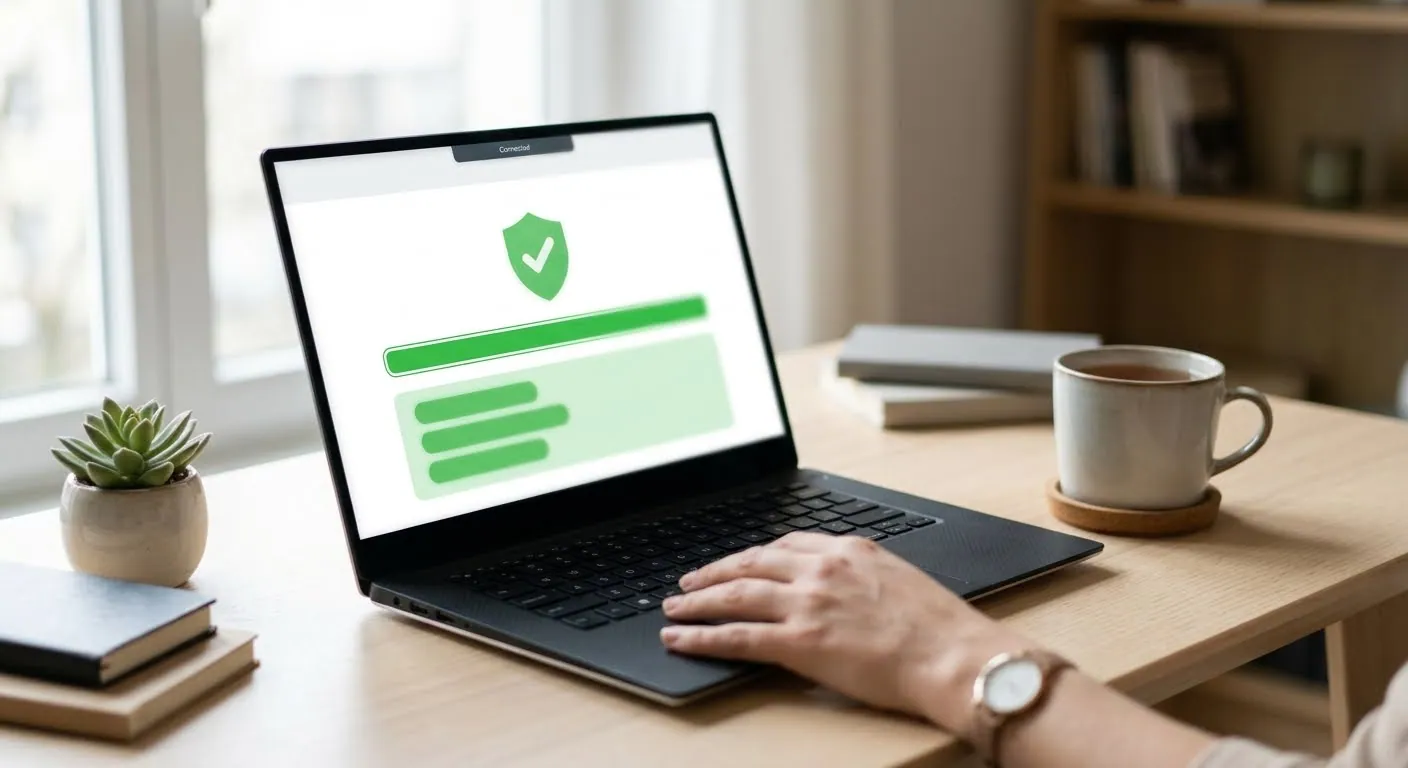
Pop-ups, a fake “your PC is infected” warning, or a browser that keeps redirecting? We connect securely and remove viruses, adware and unwanted programs while you watch.
What we fix
Remote pricing
How remote support works
Book a time
Choose a time for your session online.
Connect securely
We send a secure link. You start the session and watch everything on screen.
Fixed while you watch
We fix the problem and explain what we did.
Virus & Malware Removal — FAQ
Someone called saying my computer has a virus. Is it real?
Almost always a scam. Do not give them access. If you already did, disconnect from the internet and book a session.
What if remote cleaning is not enough?
Some infections need a reinstall at our service center. We tell you before you spend more time.
Will removing a virus delete my files?
No. We remove the unwanted programs, not your documents or photos. If an infection has already damaged files, we tell you what we find.
Should I change my passwords afterwards?
Yes, once the computer is clean. Start with your email and banking passwords, and change them from the cleaned computer or another device you trust, because some malware records what you type.
Can I see what you are doing?
Yes. You start the session from a secure link, watch everything on your own screen, and can end it at any time.
Virus & Malware Removal near you
Remote support works anywhere with an internet connection.
Ready to book Virus & Malware Removal?
Walk-in repair · On-site IT support · Mail-in repair · Remote support