
Remote Printer Driver Fixes
Printer works on one computer but not another? Many printer problems are driver and settings issues we can fix remotely.
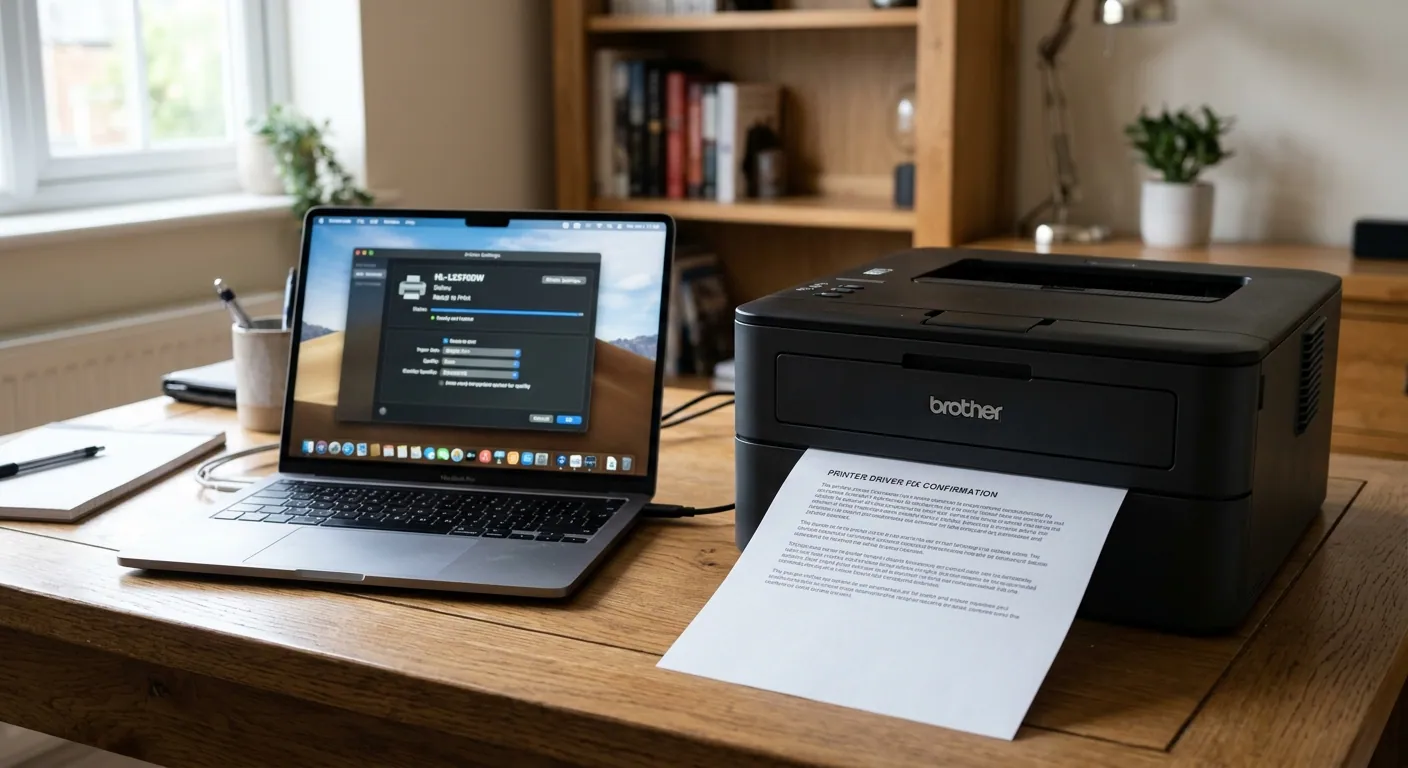
What we fix
Remote pricing
How remote support works
Book a time
Choose a time for your session online.
Connect securely
We send a secure link. You start the session and watch everything on screen.
Fixed while you watch
We fix the problem and explain what we did.
Printer Driver Fixes — FAQ
What if the printer itself is broken?
If it is a hardware problem, we tell you and you can book an on-site visit.
Which printer brands do you support?
A driver problem is fixed the same way whatever the make: the broken driver is removed and the manufacturer’s current one installed. Tell us the make and model when you book.
Why does my printer say “offline” when it is switched on?
Usually the computer has lost track of it: the printer has picked up a new address on your network, or a Windows update has replaced its driver. Both are put right from the computer, which is why this suits a remote session.
Do I need to be near the printer?
Yes. We work on the computer, but you may be asked to press a button on the printer or read out what its screen says.
Can I see what you are doing?
Yes. You start the session from a secure link, watch everything on your own screen, and can end it at any time.
Printer Driver Fixes near you
Remote support works anywhere with an internet connection.
Ready to book Printer Driver Fixes?
Walk-in repair · On-site IT support · Mail-in repair · Remote support