
Slow Computer? Remote Tune-Up
Computer takes forever to start or freezes when you open programs? We connect remotely, find what is slowing it down and fix it.
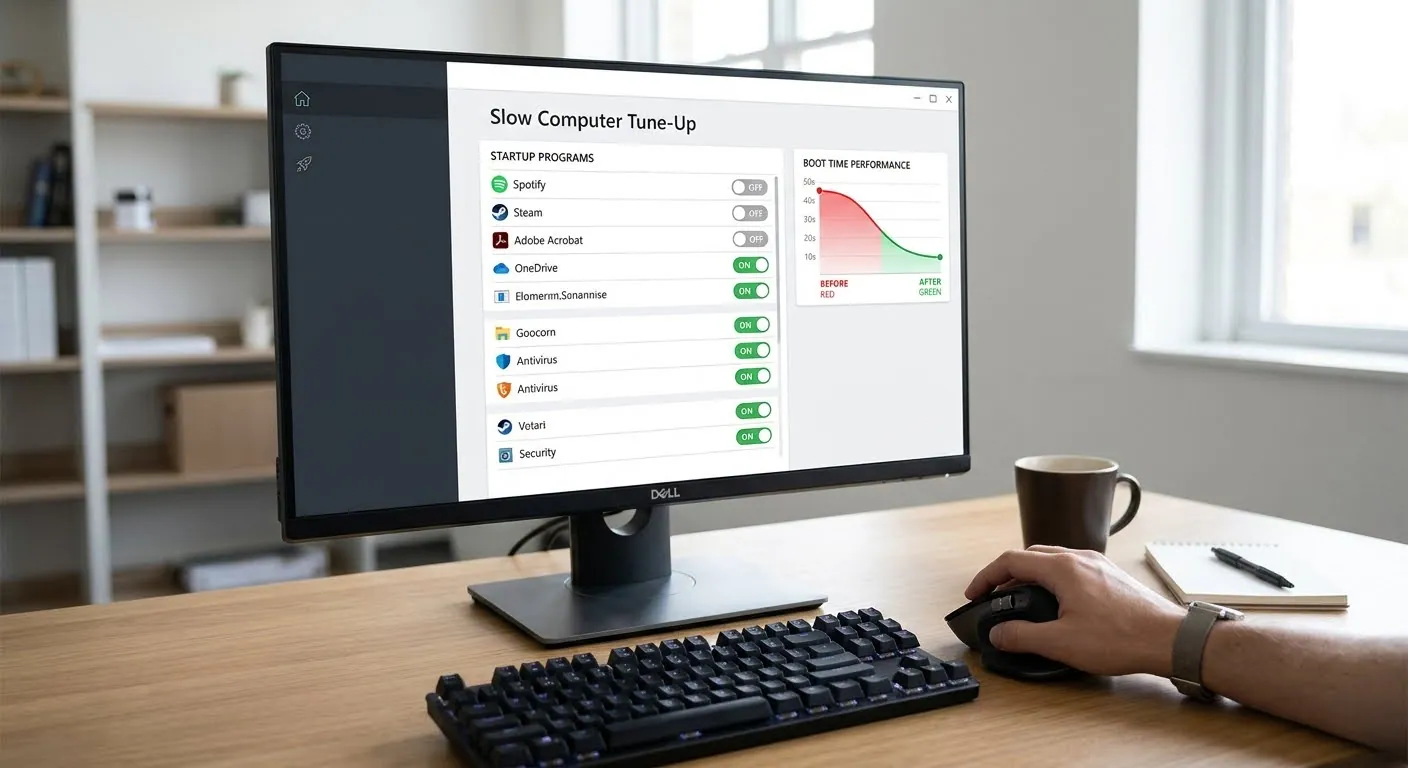
What we fix
Remote pricing
How remote support works
Book a time
Choose a time for your session online.
Connect securely
We send a secure link. You start the session and watch everything on screen.
Fixed while you watch
We fix the problem and explain what we did.
Slow Computer Tune-Up — FAQ
Will a tune-up fix an old hard drive?
It helps, but an old hard drive is often the real cause. A walk-in SSD upgrade can make it much faster.
Is remote access safe?
You start the session, watch everything we do, and can end it at any time.
What actually makes a computer slow?
Most often it is too many programs starting with Windows, a drive that is nearly full, updates that never finished, or unwanted software running in the background. Less often it is a failing hard drive or too little memory, which no cleanup can fix. We tell you which it is.
Will a tune-up delete my files?
No. A tune-up stops programs from starting on their own and clears temporary files. It does not touch your documents or photos, and you see every change on your screen as it is made.
What do I need for the session?
The computer switched on, plugged in and connected to the internet. If it is too slow to stay online, bring it to our service center instead.
Slow Computer Tune-Up near you
Remote support works anywhere with an internet connection.
Ready to book Slow Computer Tune-Up?
Walk-in repair · On-site IT support · Mail-in repair · Remote support