
SSD Upgrade & Data Transfer in Princeton, NJ
Slow laptop with an old hard drive, or moving to a new computer? We upgrade to a fast SSD and move your files, email and settings safely.
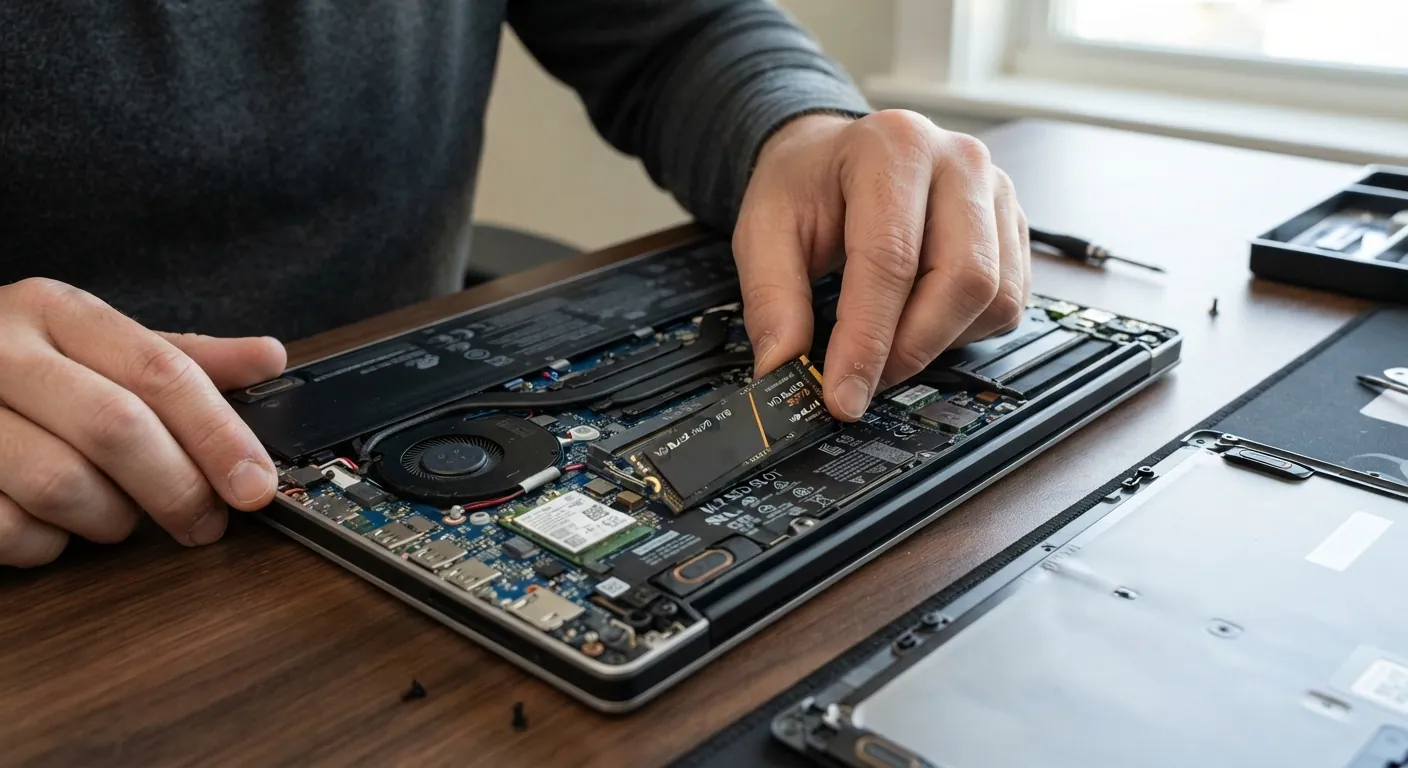
What we fix
Walk-in pricing
How walk-in repair works
Book or walk in
Pick a drop-off time online, or walk in Monday–Friday 9 AM–6 PM.
Diagnose and quote
A technician diagnoses the problem and gives you a written estimate.
Repair and pick up
Once you approve, we repair, test and walk you through the work.
SSD Upgrade & Data Transfer — FAQ
Will I lose my files?
No. We copy your data before any change and verify it after.
Can you move everything to my new laptop?
Yes — files, photos, bookmarks and email. Some programs need reinstalling with your license keys.
How do I know if my laptop still has an old hard drive?
A hard drive has spinning parts: you may hear it whir or click, and the laptop takes minutes rather than seconds to start. An SSD has no moving parts and is silent. If you are not sure, we check during the diagnosis.
What should I bring?
The laptop and its charger, plus the new computer if you are moving to one. Have your passwords and any software license keys to hand, because some programs have to be installed again.
SSD Upgrade & Data Transfer near you
Walk in to 500 Alexander Park, Princeton — customers come from across Central New Jersey.
Ready to book SSD Upgrade & Data Transfer?
Walk-in repair · On-site IT support · Mail-in repair · Remote support