
Dell Laptop Battery Replacement in Princeton, NJ
Dell laptop saying “plugged in, not charging”, swelling or draining fast? We test the battery and charging circuit and replace what’s needed at our Princeton service center.
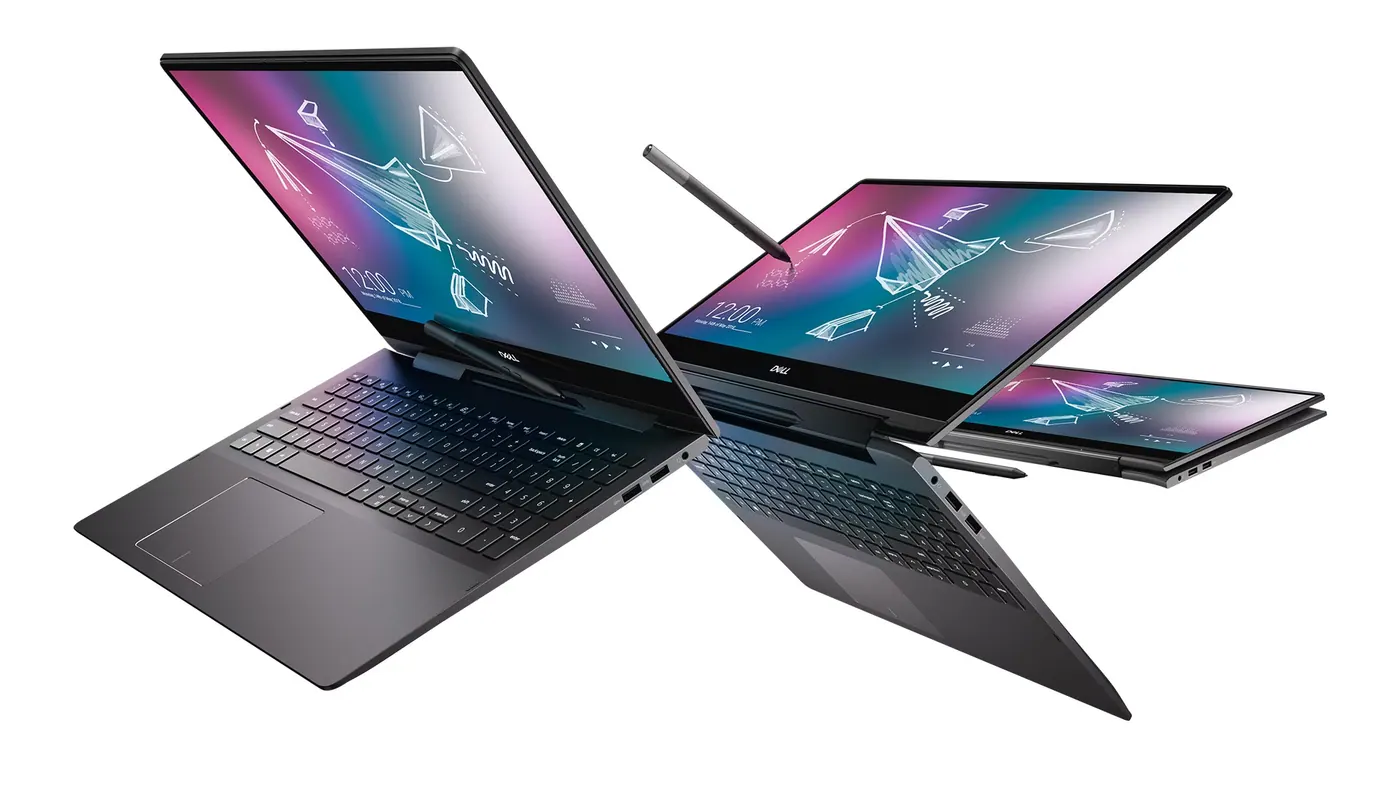
Dell battery problems we fix
Dell Battery Replacement pricing
Dell batteries: what the messages mean
“Plugged in, not charging”
Windows shows this when the laptop detects the charger but the battery is not taking charge. On a Dell the cause can be a worn battery, a charging limit set in the BIOS, or the adapter itself.
“The AC power adapter type cannot be determined”
This startup warning means the laptop cannot identify its charger — usually a damaged adapter, cable tip or charging port. In that state a Dell runs slowly and will not charge the battery, even a healthy one.
Battery health in the BIOS
Press F2 at startup and open Battery Information to see how the laptop itself rates the battery’s health, without needing Windows to load.
Charging limited on purpose
Dell Power Manager and the BIOS offer charge modes such as “Primarily AC Use” and custom limits that stop charging before 100%. That is a setting, not a failed battery.
Dell models we repair
Two ways to get it fixed
Dell Battery Replacement — FAQ
Is it the battery or the charger?
We test both — sometimes it is the adapter or the charging port, not the battery.
Is a swollen battery dangerous?
Yes. Stop charging it and bring it in.
How long does it take?
Most common repairs take between an hour and a day when the battery is in stock. If it has to be ordered, we give you the expected time with your written estimate, before you approve the repair.
Ready to book Dell Battery Replacement?
Walk-in repair · On-site IT support · Mail-in repair · Remote support